

HOW TO BUY
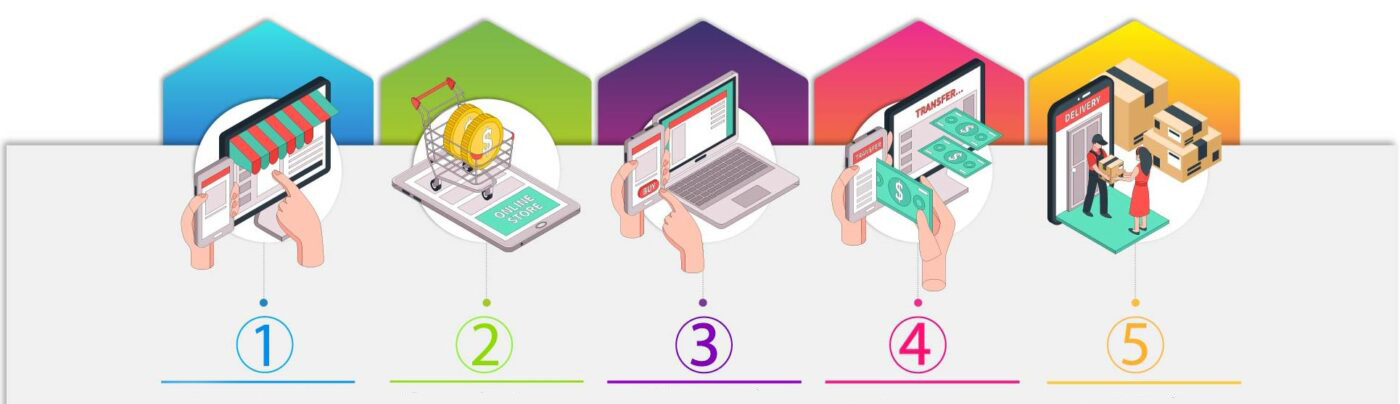
Step 1
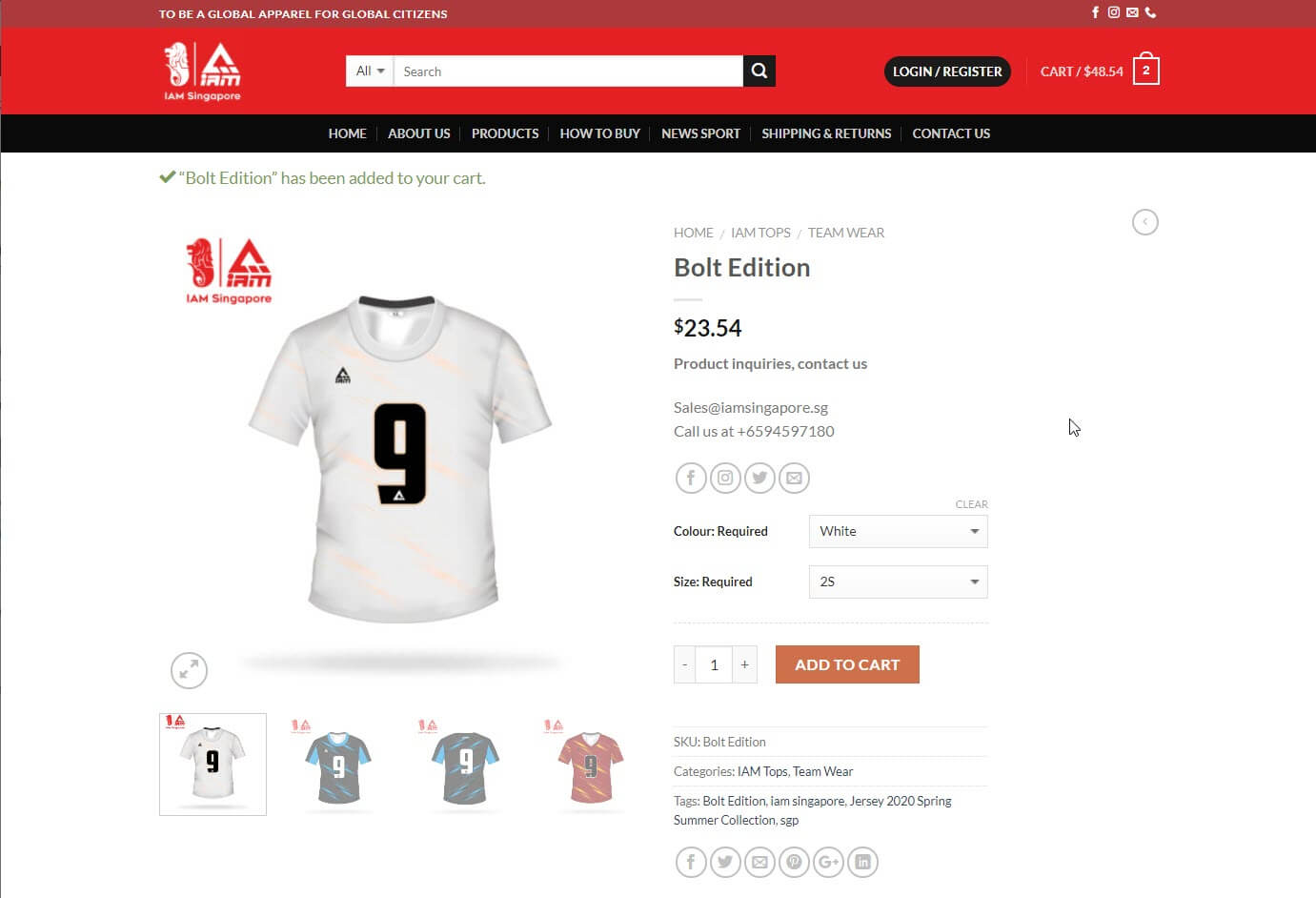
1.Select the items to order.
2.Choose the desired product, quantity, and press the Add to Cart button.
Step 2
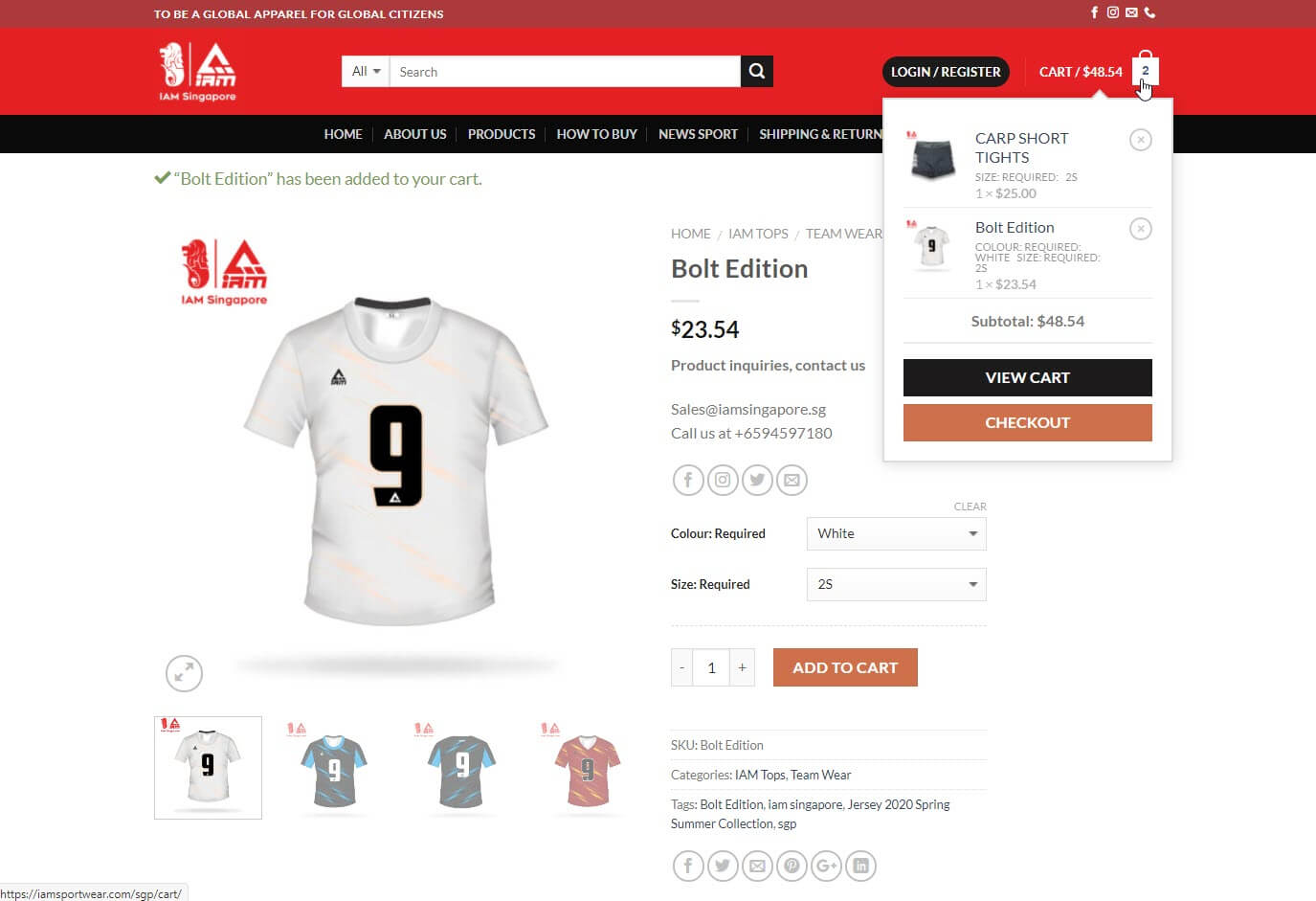
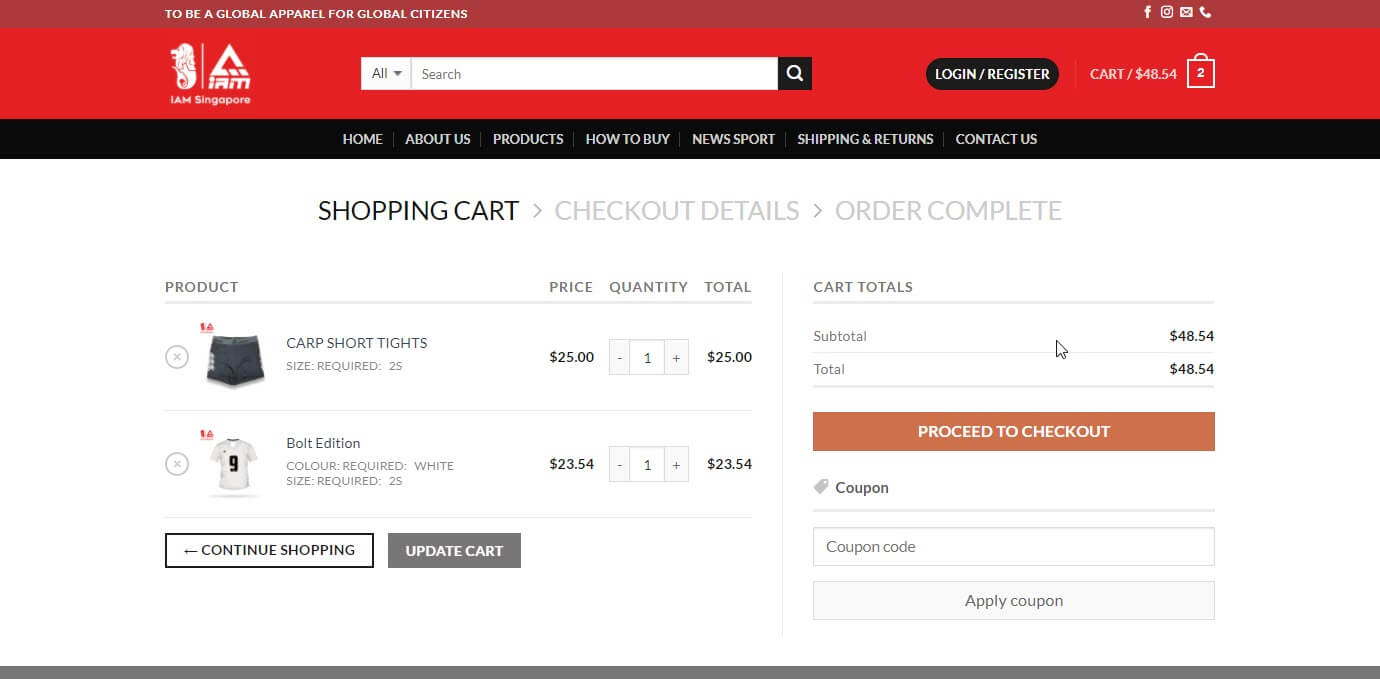
Check the list of ordered products Can add the amount you want to order Check the check again and press the button to order and pay.
Step 4
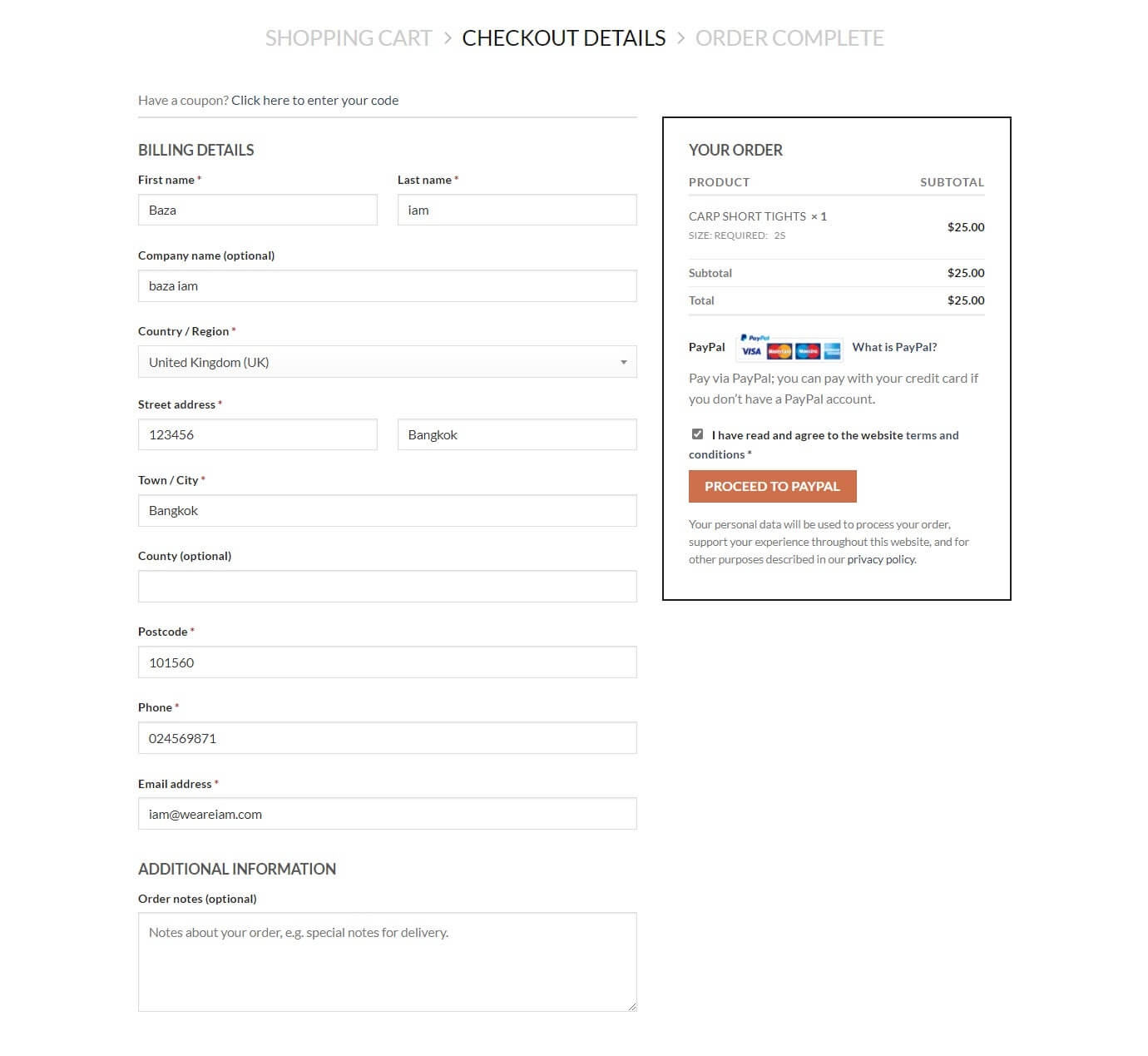
- Enter detailed customer information For sending products and issuing a bill
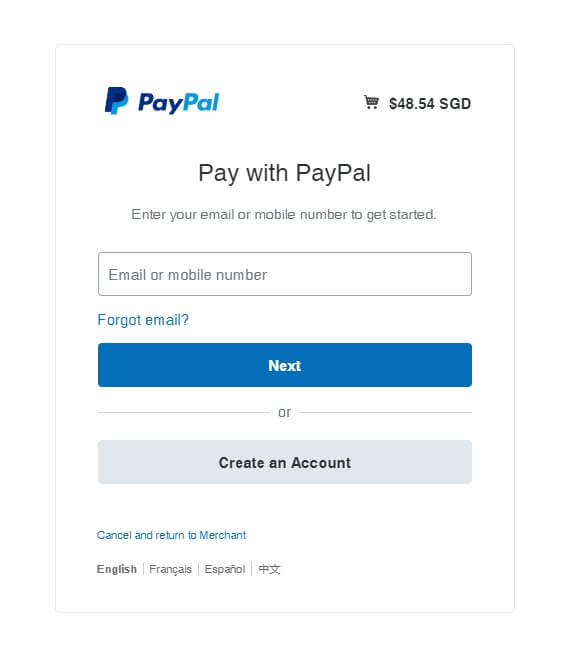
- Double check the information, press the PROCEED TO PAYPAL button.
Pay via PayPal; you can pay with your credit card if you don’t have a PayPal account.
Payment notification system via the system and send to E-mail customers
Still unsure of how you can use PayPal? Here’s a video to find out more.
Step 5
We will contact you back when we receive proof of transfer of payment. And deliver the product with a bill According to the customer’s address indicated in the ordering system